
Sync Support: Hello dear users, How are you? Hope you are doing well! Now in this knowledge base article you will know an important process that you can share your files without doing it publicly. The process may takes different steps, so keep in touch with this article to the ends so that you can’t skip any step to lose your data file. So lets break it down in the step by step process so that you can follow up easily.
1. Upload Your Files
Login:
The upload your files is the simple step, but before that you need to login your account (Syng Account Login).
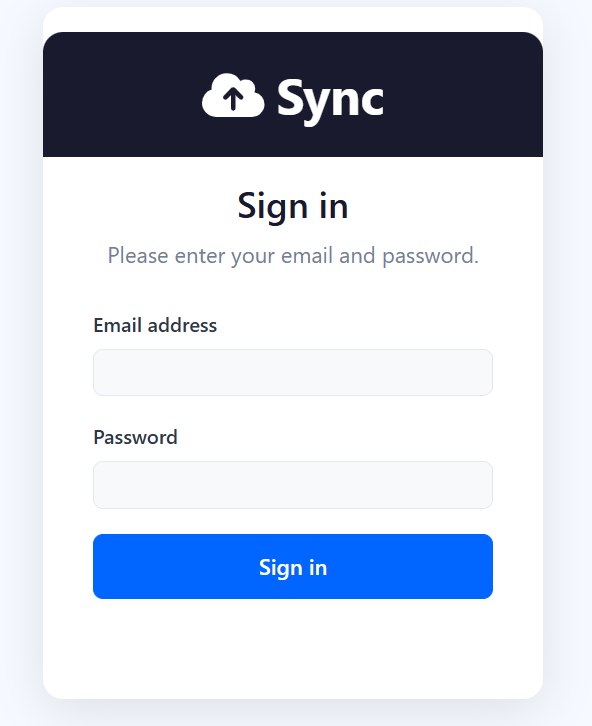
If you have not any sync account, then you may go for create or sign up your account.
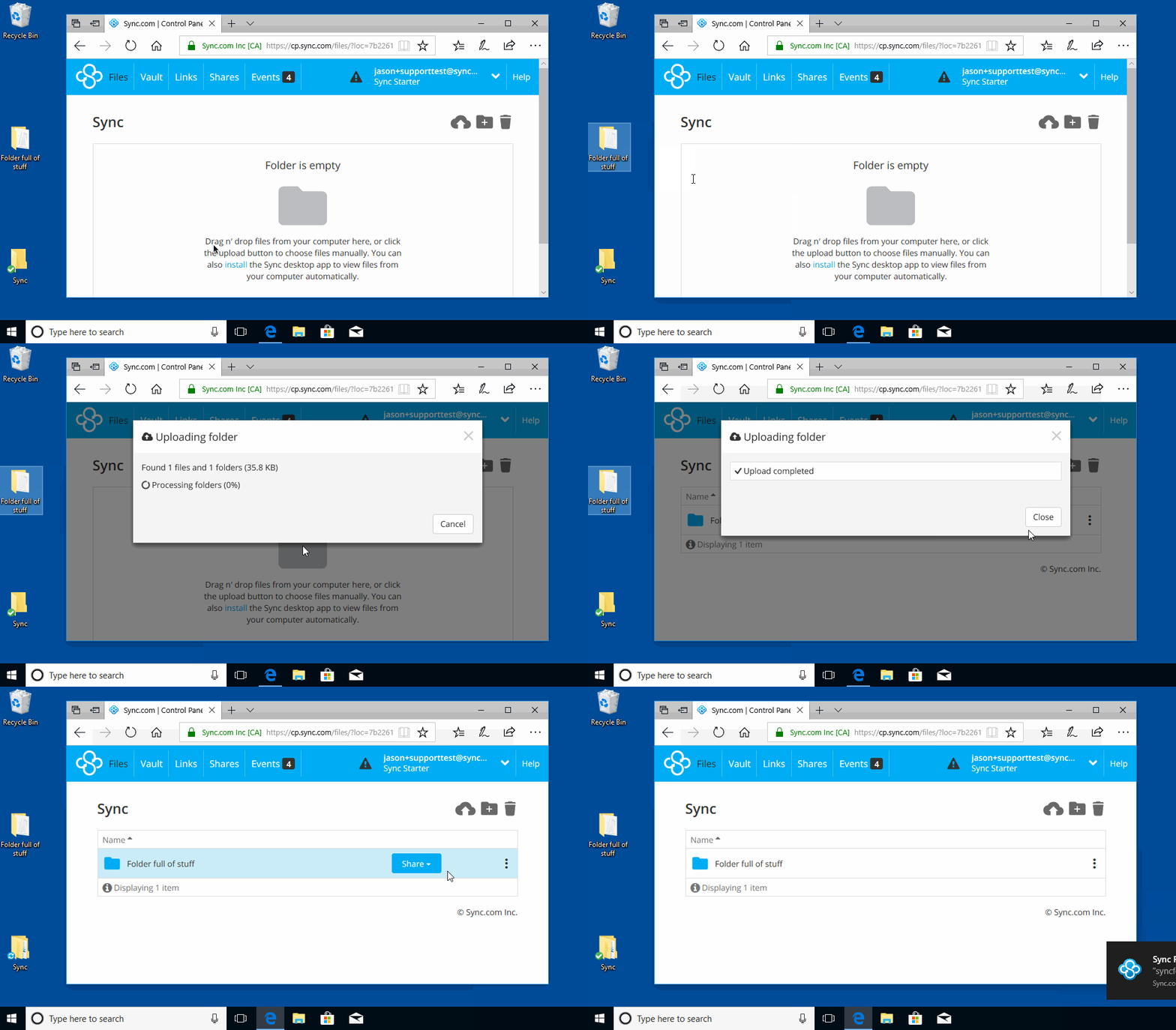
Once you make sure that you have done loged in your sync account, on the dashboard of it, then you need to upload your file or folder.
2. Create a secure link
In the next step i mean this is your next step to create a secure link that you can be share with another one. There are few steps below by following that you can create sharable link of your uploaded file or folder.
Click the ⋮ (three dots) next to your file
Select “Share as link”
Click Copy link or send via email
Anyone with the link can access it (no account needed)
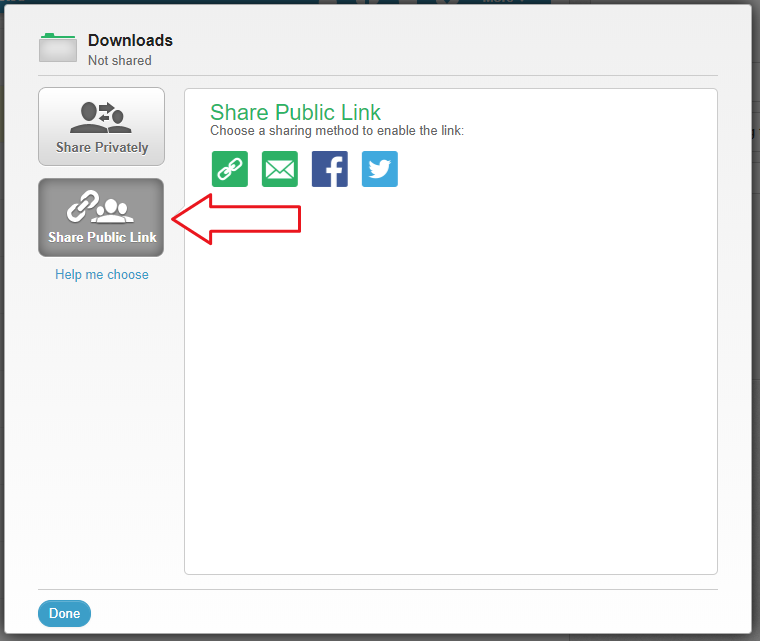
There are both option are available. One is private and second is public. Whatever you wish to create the link.
3. Add security (IMPORTANT)
Now you need to make it private your link, so that you can make sure your data secure. Now what you need to do?
First of all you need to open your link and click on manage link –> then you need to click on Link setting and enable it. You can protect your file in many ways like in below options lets mind on so that you can get more secure as you want.
- Password protection -> This mean that you can create a password and share this password with anyone (people) you want to open your file or folder.
- Expiry date -> This is also one of the most important feature of the sync.com that you can set auto expiry date and time. And it is automatically will expire what you have set.
- Download restriction -> Here you can set the permission to download or view access only.
- Revoke access anytime -> This is all about up to you. You can revoke access when you get that your data have been done download or anything else of your purpose.
4. Share the link safely
Now its time to share your link with someone who you want with. Once you have finalize the person with you want to share the link. There is the best practice to share your link plus (+) password with separately and avoid posting it over the internet or publicly.
How to use the Sync Dasktop Application
Watch this quick guide to learn how to install, access, and use the Sync Desktop Application efficiently.